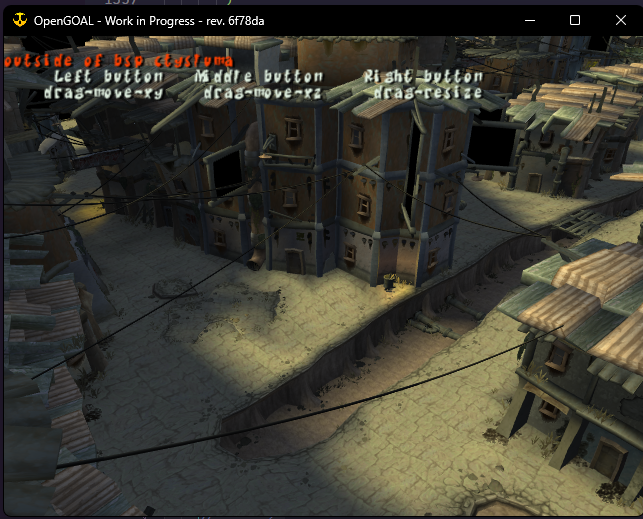
Notable things:
- This assert is hit when trying to save the pc-settings file, NYI
https://github.com/open-goal/jak-project/blob/e630b506903d7f7028dff89702be7f586c2120e7/game/kernel/common/Symbol4.h#L14
so right now settings aren't persisted. But RPC defaults to on
- The existing functions can probably be made generic based off the game
version, but I didn't spend time refactoring them yet as they aren't
really ready to be used in jak 2 yet (we have no screenshots for the
levels for example)
This adds a new ImGUI menu to help filter out the clutter on screen.


https://user-images.githubusercontent.com/13153231/210192912-b1c28319-bacb-449c-ad7f-e7308fb75f50.mp4

This also:
- moves the imgui display bool into a game specific config file (you can
hide it in jak1, and not in jak2)
- the config file also persists the settings from this menu (except the
filters for now, future TODO)
- there is a new `ignore_imgui_hide_keybind` in this file to ignore
hiding it when you press Alt
Running reference tests/decompiler should now be possible on macos
(arm). Most of the changes were just cleaning up places where we were
sloppy with ifdefs, but there were two interesting ones:
- `Printer.cpp` was updated to not use a recursive function for printing
lists, to avoid stack overflow
- I replaced xxhash with another version of the same library that
supports arm (the one that comes in zstd). The interface is C instead of
C++ but it's not bad to use. I confirmed that the extractor succeeds on
jak 1 iso so it looks like this gives us the same results as the old
library.
And everything else needed for them!
A couple functions are bad currently.
- fixes#1929 - untested on linux
- fixes#1924 - now you need to type `,` before a lambda you want to put
in a pair.
- fix debugger symbol table in jak 2
- made the decompiler output `(meters 2)` instead of `(meters 2.0)`
- fixed a bug with the bitfield enum special -1 case
- made bad game text decomp not exit the decompiler
- added `editable-player` and `script`
* game: restore windowed mode settings properly

* game: use the game version for saving settings/saves

* game: prevent windowed mode from being auto-centered on initial init

* game: save and restore window coordinates

* lint: formatting
 Tyler Wilding